
 Español
 Français (France)
 Français (Canada)
 Deutsch


Just like many other online virtual worlds, Chobots has pets - their true companions & best friends, and you can take care of them, feed them, walk with them, play with them and more!
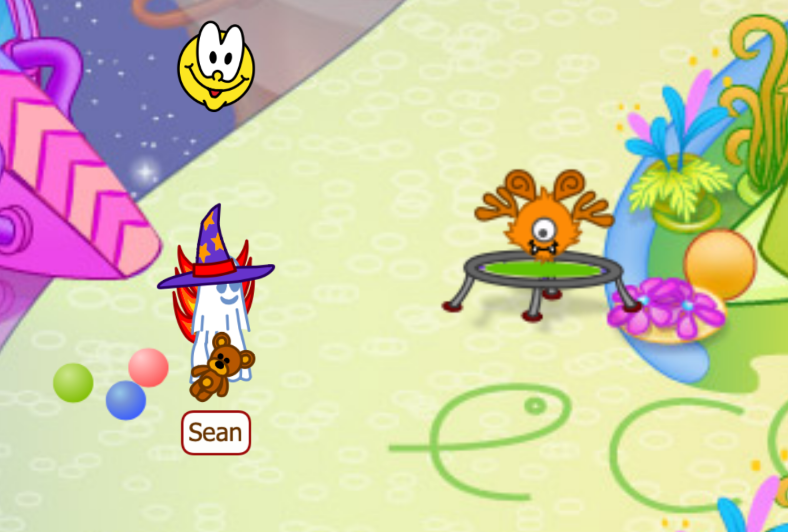
How do I get a pet?
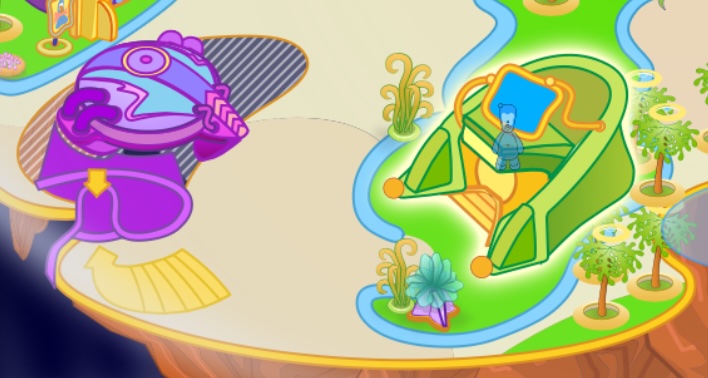
First, open your Map, and then navigate to the Pets Shop. It is the green building with a blue screen on it, next to the purple Home Dome.
Once you're there, you can click on the Pets Constructor.
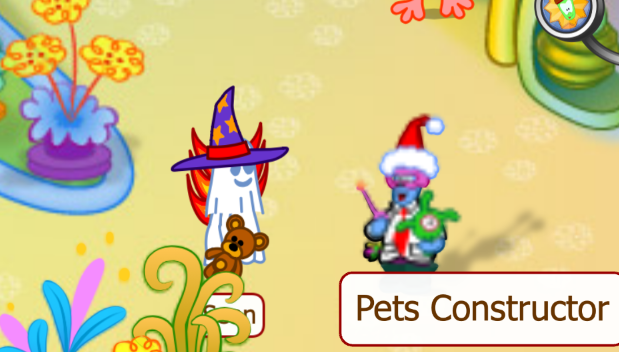
And here you start designing your pet! Choose a body, ears, face, arms, legs, color, name it and click on Adopt Pet.
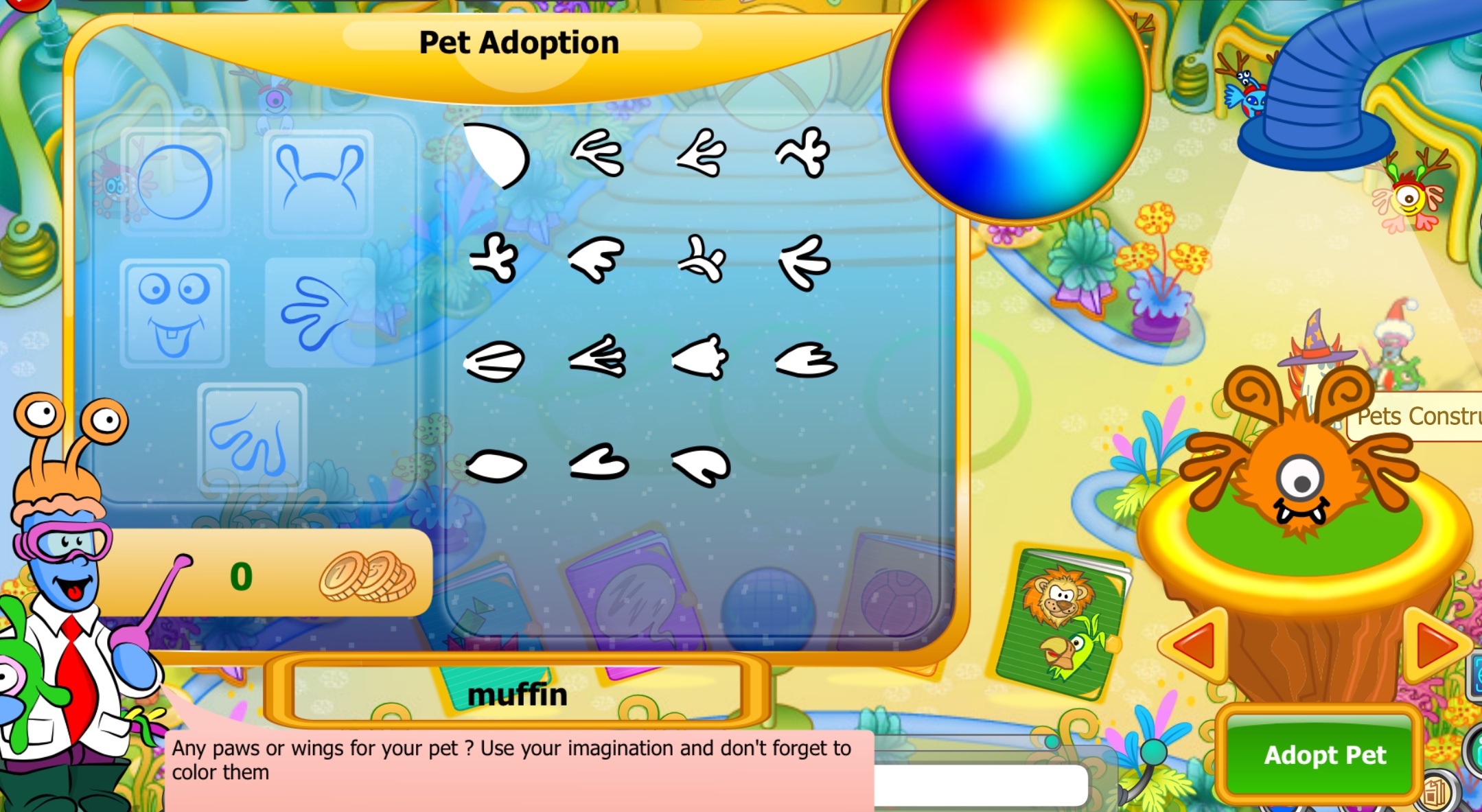
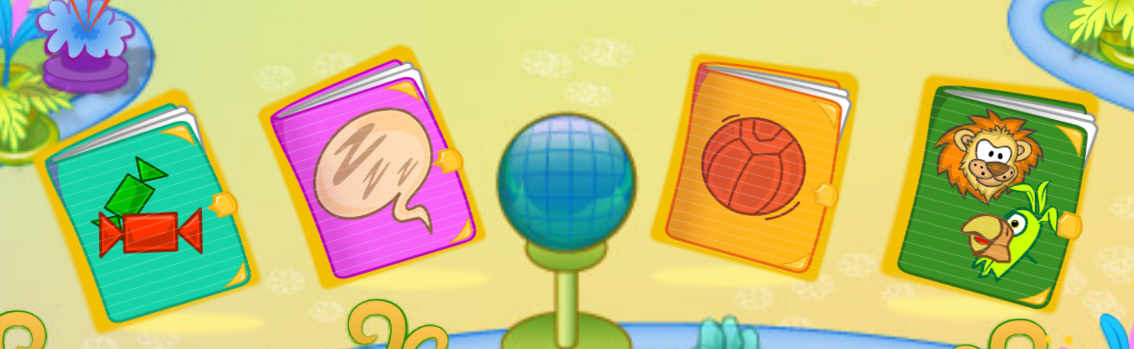
Once you're done, your pet is waiting for you at home. Before you go, remember to buy snacks, beds and toys for your pet at the Pets Shop, available in the catalogs. You can also buy cool animal masks for your Chobot!
Cool! How do I take care of it?
Once you get home, click once on your pet and its card should open. It will have a few buttons, so I'll explain what they all mean.
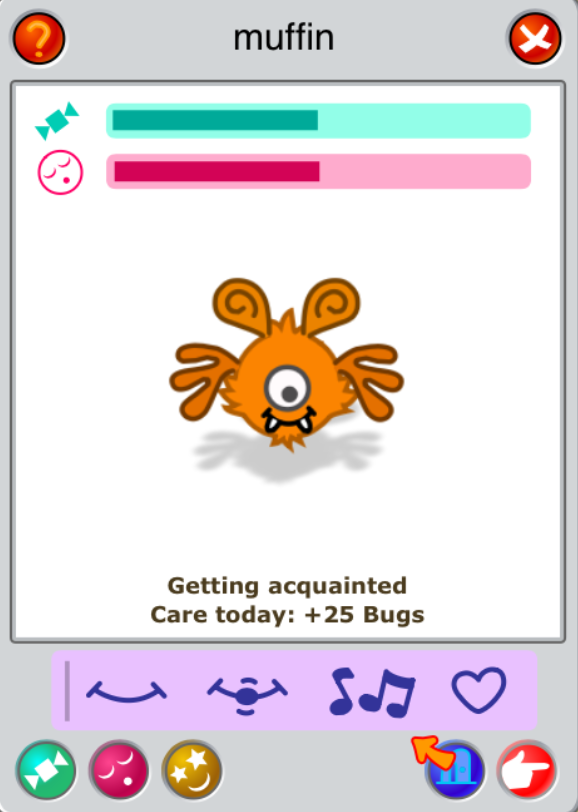
Notice how your pet's energy and sleep bars are half-empty? Let's take care of that!
- Feed: This button opens your pet's food catalog. Click on one of the snacks and then click on Use. You will see that your pet is starting to eat and its energy bar will fill up!
- Rest: This button opens your pet's sleep catalog. Click on one of the sleeping options and then click on Use. You will see that your pet is resting and its sleep bar will fill up!
- Play: This button opens your pet's sleep catalog. Click on one of the game options and then click on Use. You will see that your pet is playing!
- Take your pet on a stroll: Cosmonauts can take their pets anywhere! Click this button and your pet will follow you wherever you go.
- Find a new home: Clicking this button and confirming will release the pet and it will find a new home, which will allow you to get a new pet.
❗Feeding, playing or letting your pet rest gives you Bugs and XP, and you can also gain a streak if you take care of your pet every day. Make sure not to miss it!
Ready to get your own pet? Give it a go! Once you get a pet, you will also get a unique Pet Pal achievement, and in the future, pets will be customizable!

Comments
Nobody has commented yet.
Sign in to comment